
HyperNote · Spatial messaging
Leave a message where the work is.
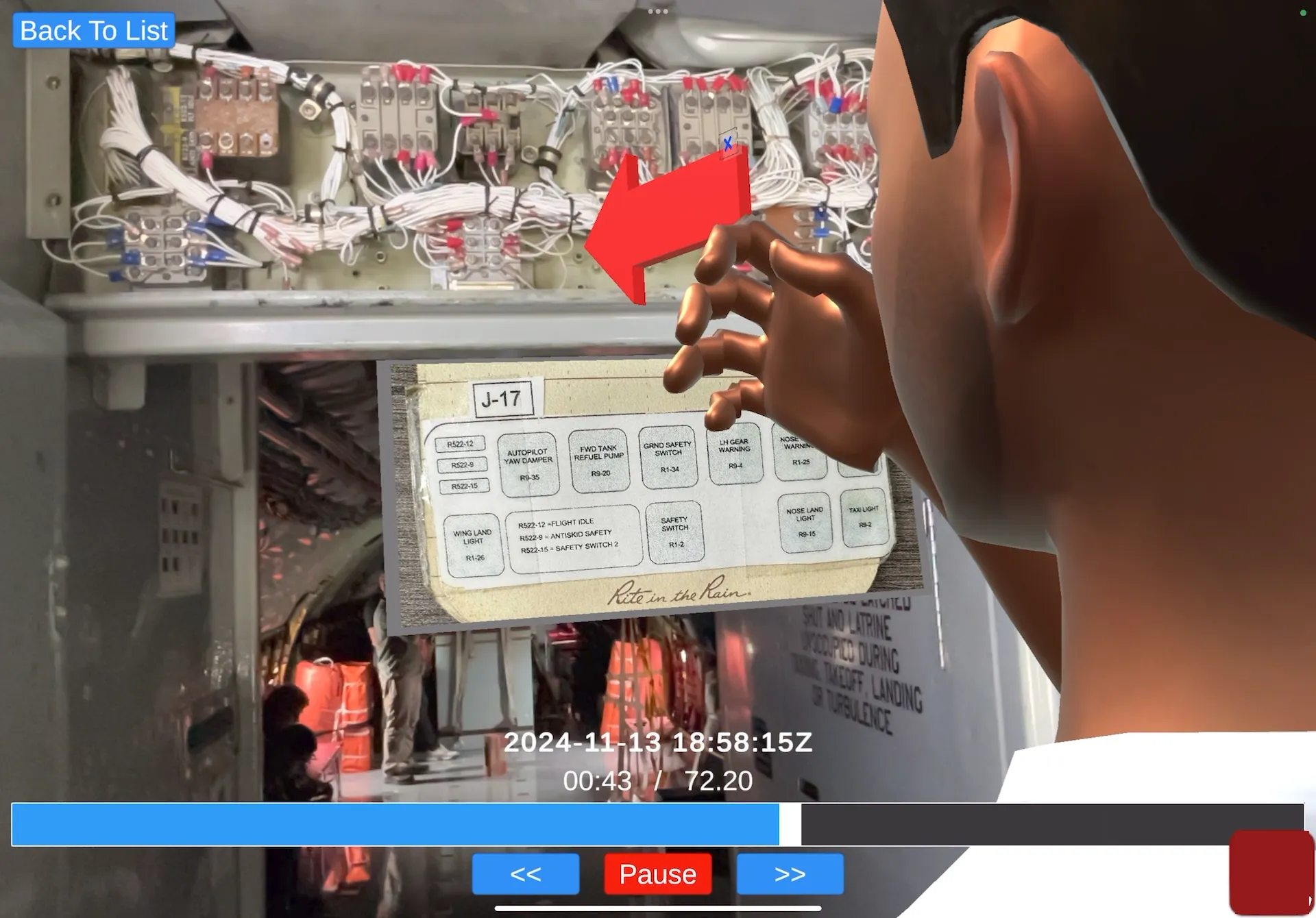
Record your explanation inside the 3D scan of the equipment, with your voice, gestures and notes. The team plays it back on site, from any angle, whenever they need it, even offline.
Benefits
Capture and deliver subject-matter knowledge.
Show, don’t write
Record yourself walking through the fix, inside the 3D space.
Works without a connection
Record and play back offline; it syncs later.
Knowledge that stays
Notes stay attached to the equipment for the next shift.
Why HyperNote
2D messages lose what matters in complex spaces.
The problems
- Video messages lock the viewer into a single, 2D perspective.
- 2D messages in complex environments lose important spatial references.
- Limited connectivity doesn’t allow real-time coordination.
The solution
- HyperNote captures the whole 3D environment, so onsite and remote users can explore it from any angle.
- The full spatial context is kept in the shared digital twin, so nothing is lost in translation.
- Record and watch HyperNotes online or offline.
How it works
Record once. Replay from any angle.
A persistent, synchronized digital twin of the worksite that the team and the experts can use whenever they need it.
Step 1
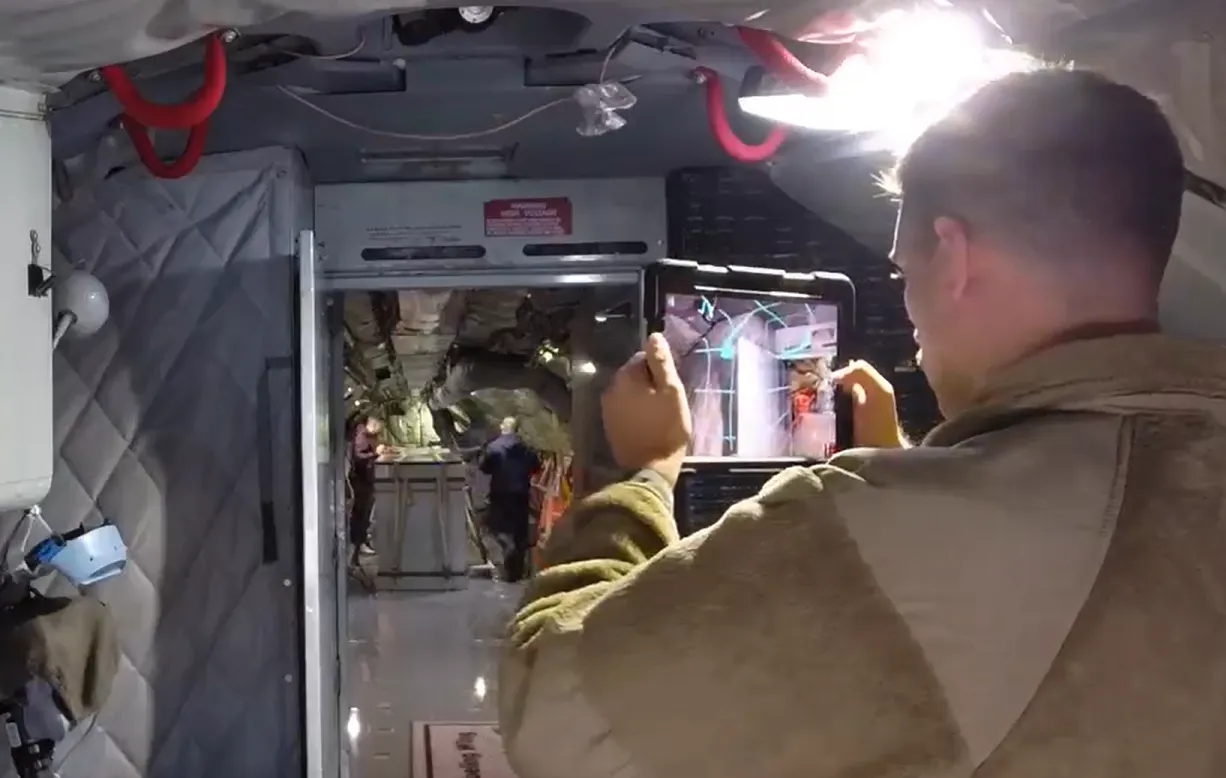
Scan
The physical site is 3D scanned to create a digital twin.
Step 2
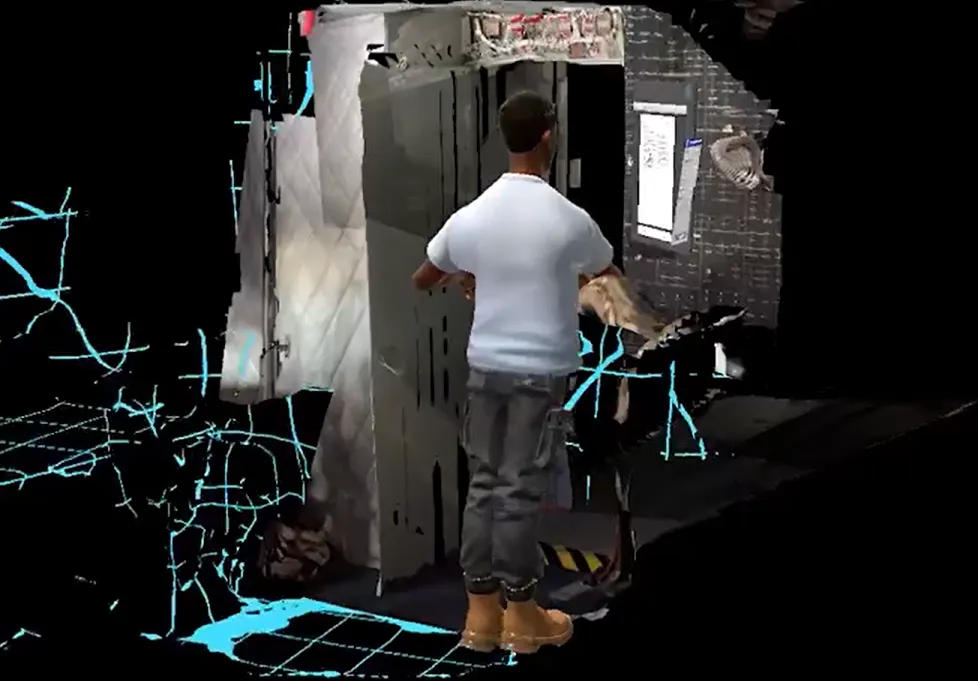
Record
In the physical or digital world, users record HyperNotes that capture changes to the environment, avatar movements and digital annotations.
Step 3
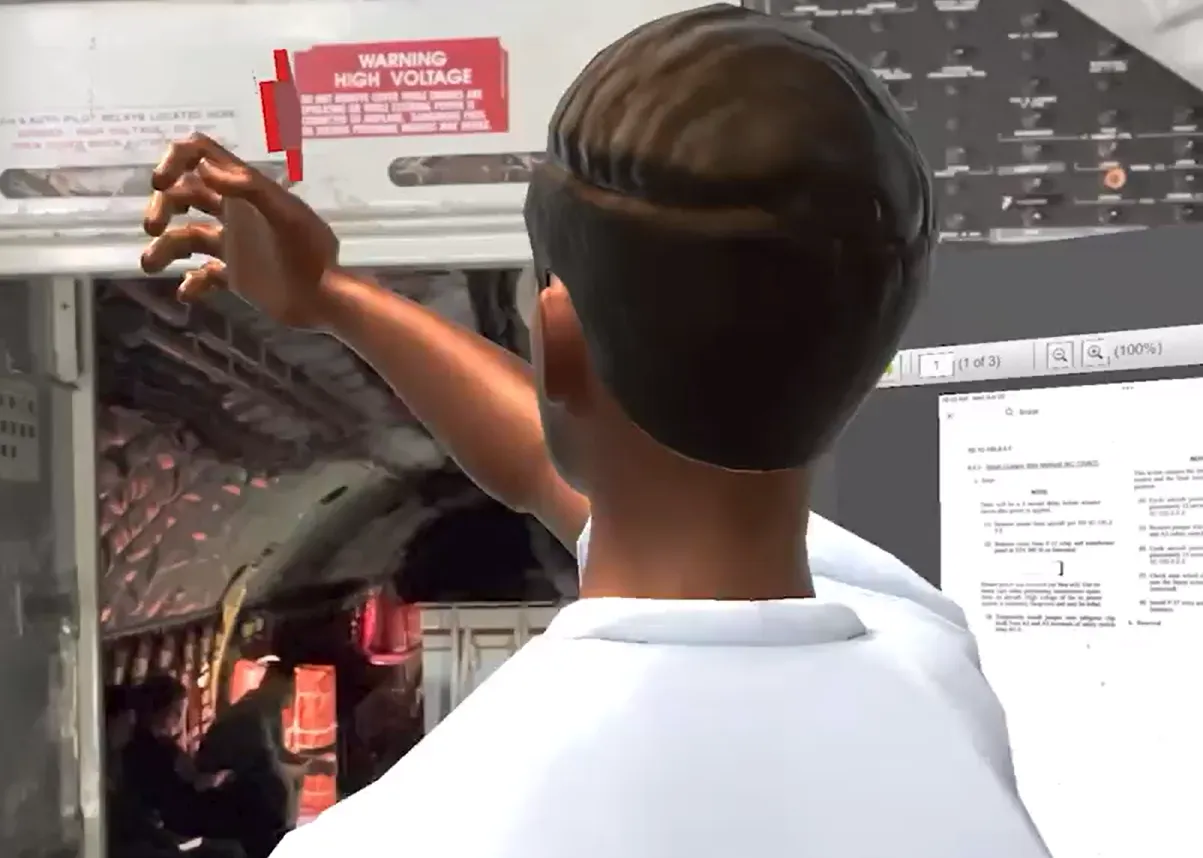
Replay
Recipients in either world play back the HyperNote and watch it from any angle.
See it
HyperNote in action.
See HyperTunnel on your own equipment.
A walkthrough with our team, built around your equipment and your use case.