
HyperCoach · In development
Expert knowledge, on demand, everywhere.
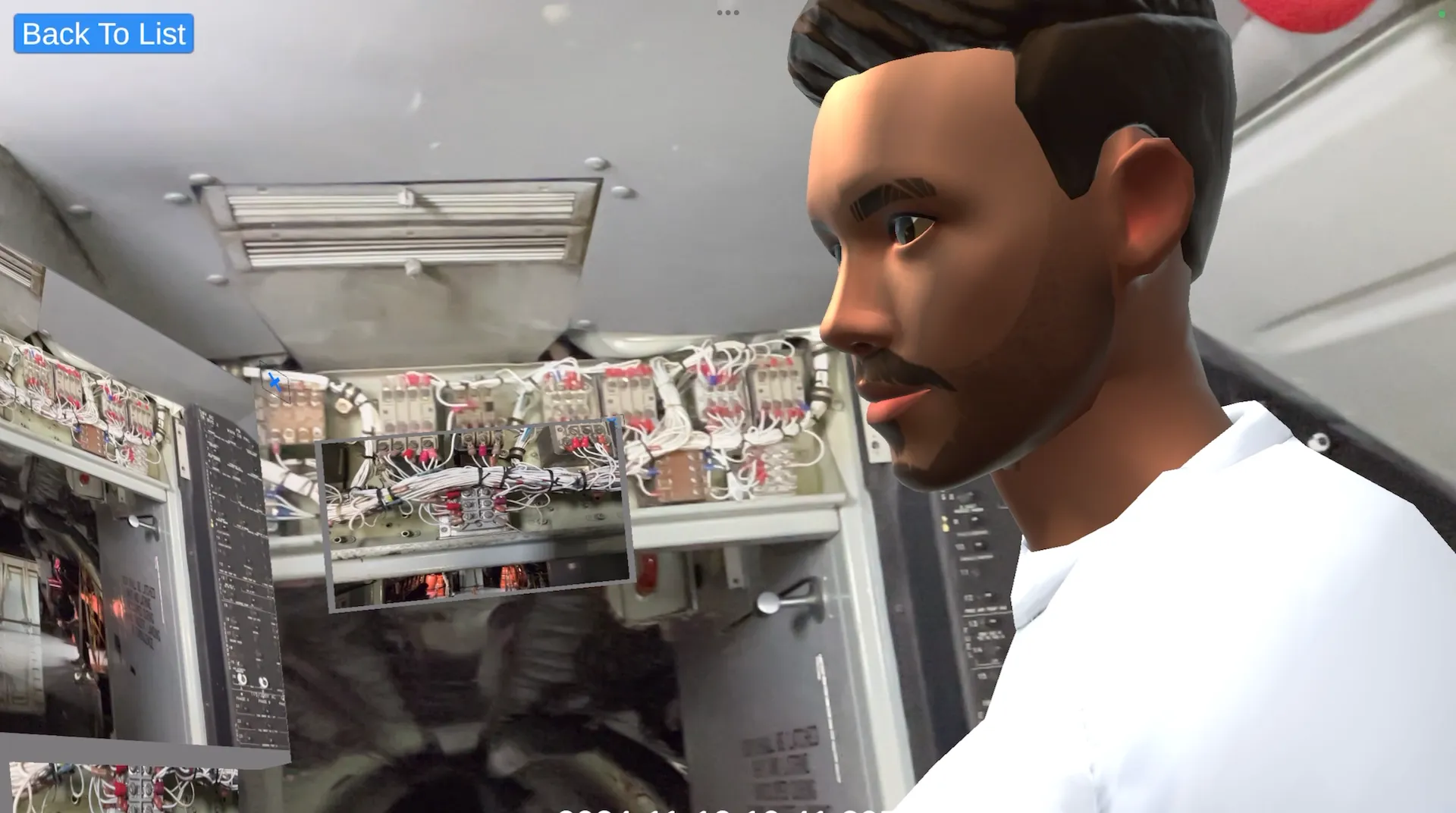
AI virtual coaches that demonstrate and oversee tasks for field technicians, built on the knowledge captured with HyperCall and HyperNote. HyperCoach is in development; HyperCall and HyperNote are available today.
Why HyperCoach
Experts can’t be everywhere. Their knowledge can.
The market need
Organizations struggle to deploy experts to guide and supervise manually intensive tasks in complex and dangerous settings.
The solution
A digital coach that demonstrates and supervises task execution in remote industrial environments: AI virtual experts, all the time, everywhere.
Benefits
Consistent work, wherever it happens.
Fewer errors
The coach will catch a wrong step before it’s done.
Faster onboarding
New technicians follow the expert’s own procedure, on site.
Experts freed up
The coach handles routine guidance; experts take the hard cases.
How it works
Where HyperCoach is going.
How HyperCoach will turn one expert session into a virtual coach that demonstrates and supervises tasks in remote industrial environments.
Step 1
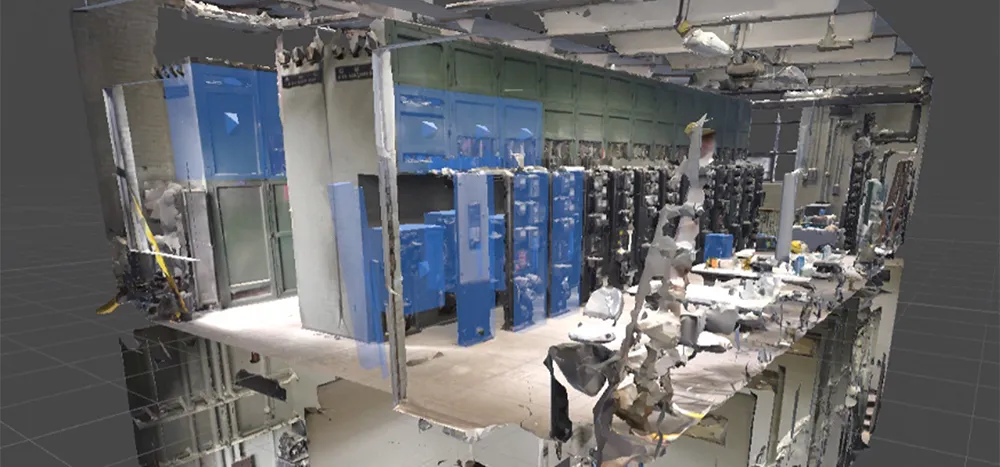
An immersive digital twin of the target worksite is produced.
Step 2
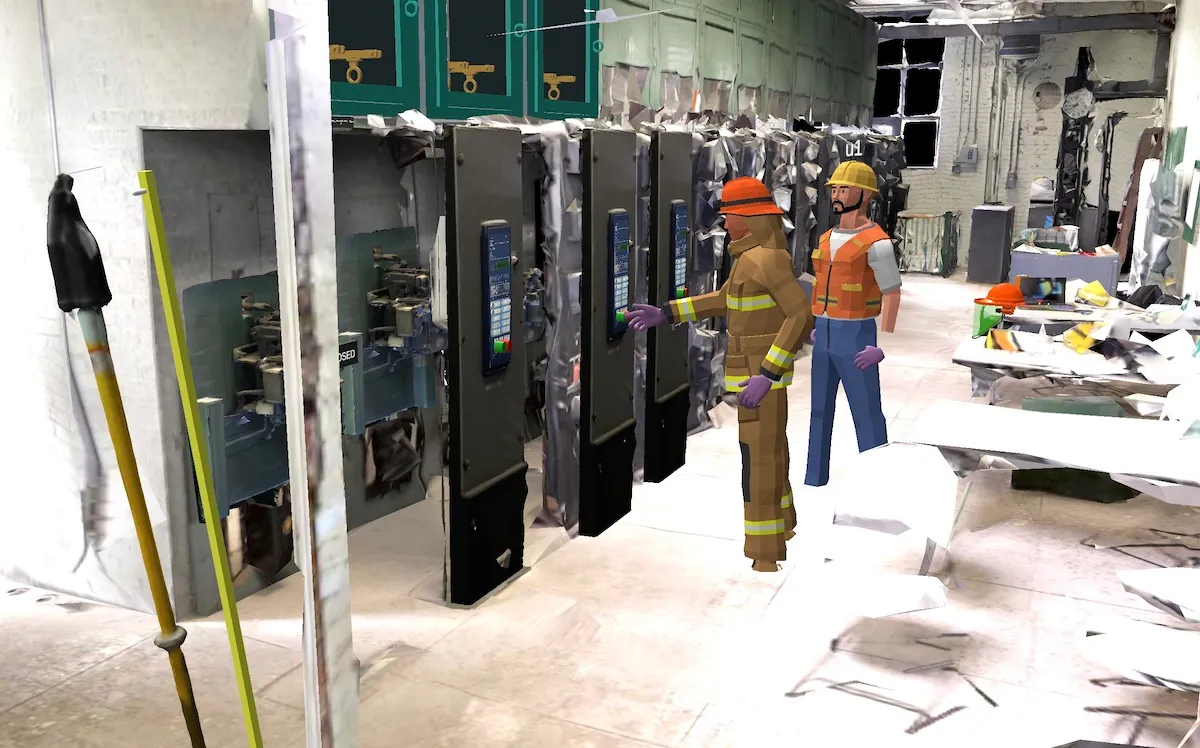
Technician and expert collaboration during troubleshooting or a procedure is captured and recorded in HyperNotes.
Step 3
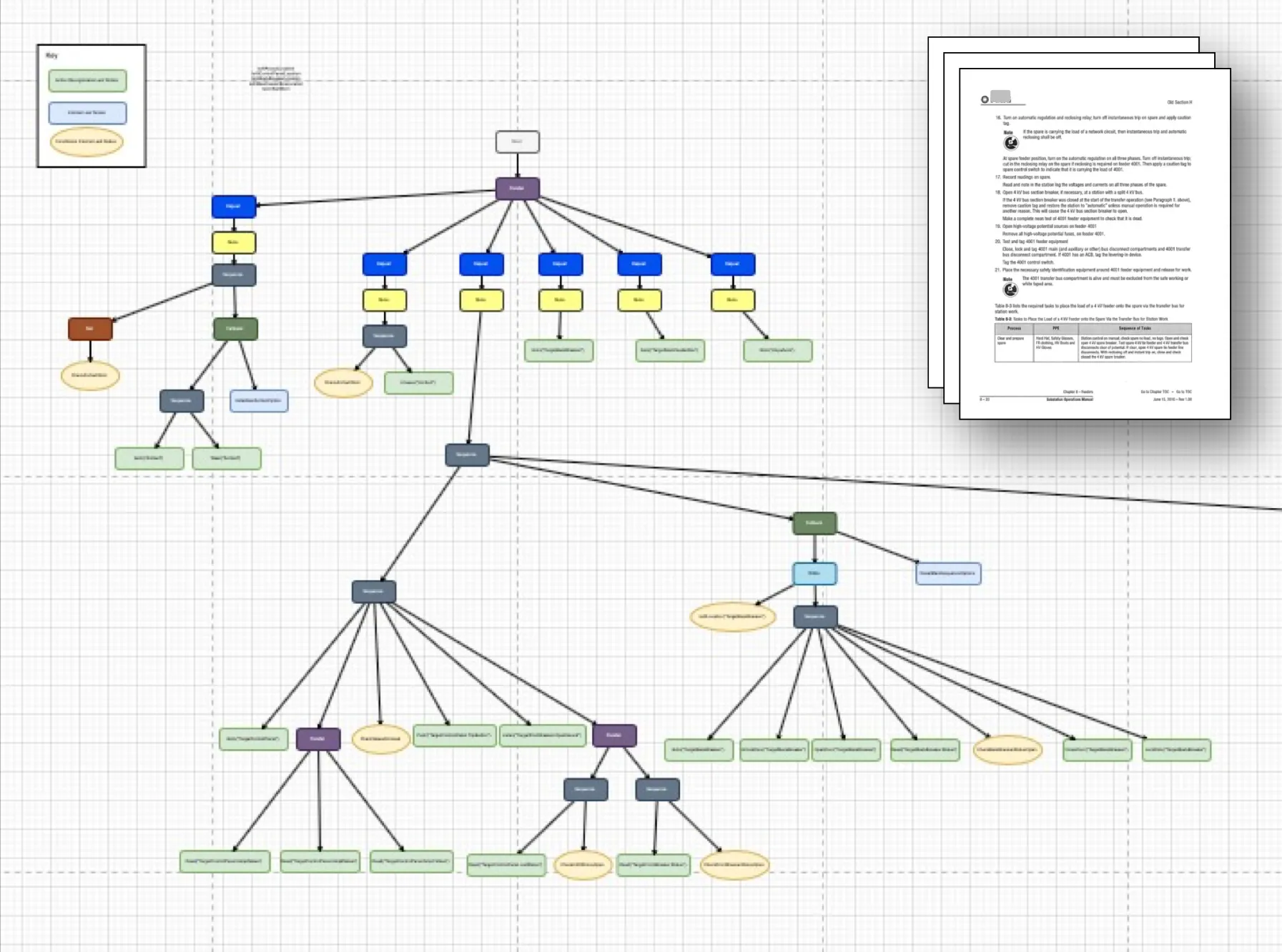
The procedure is broken down into granular tasks and assembled into a hierarchical knowledge graph.
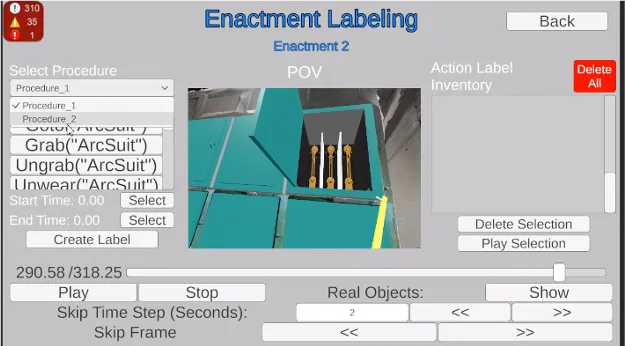
Step 4
Experts evaluate how the procedure was performed, with labels and the required metadata.
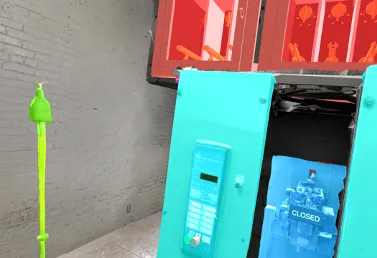
Step 5
Object recognition identifies and classifies the relevant items in the technician’s field of view.
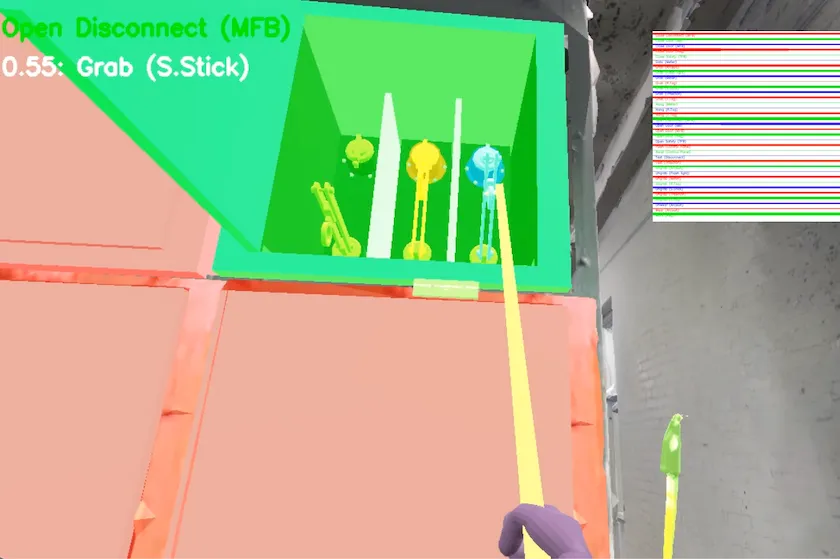
Step 6
The AI learns to recognize the state of objects and the user’s actions, and maps those actions to valid steps in the knowledge graph.
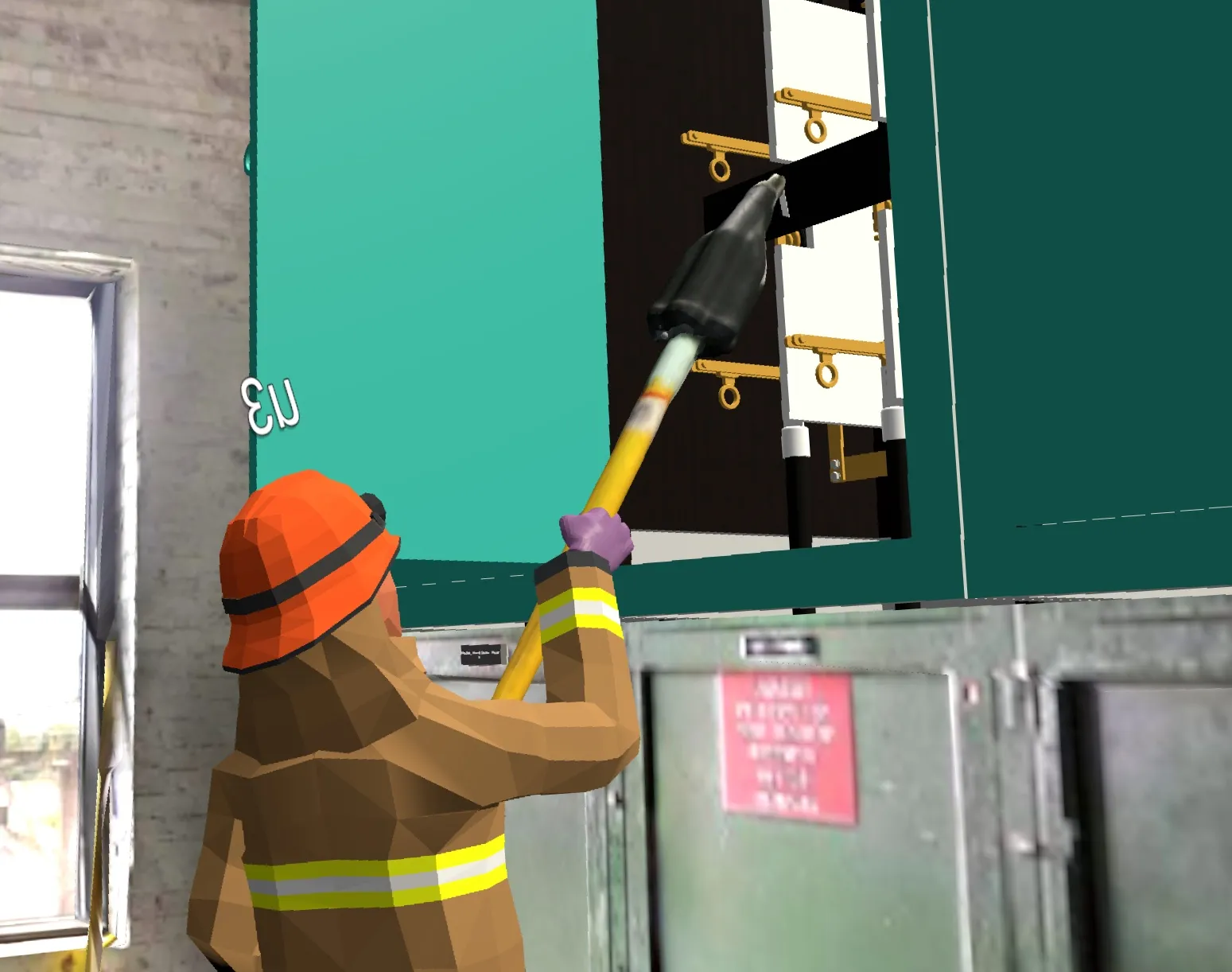
Step 7
The AI agent demonstrates tasks through an avatar, anchored in the spatial context of the worksite.
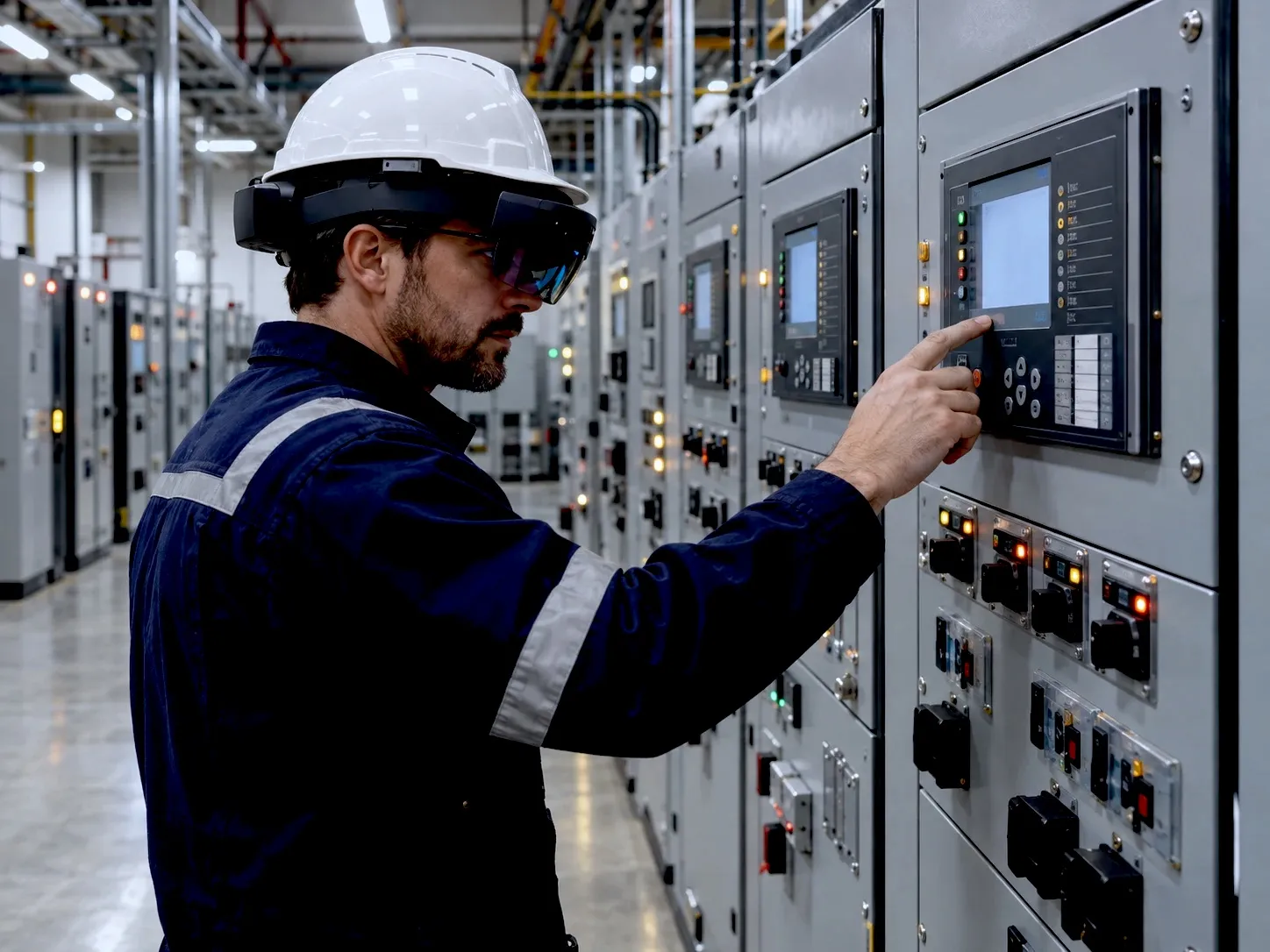
Step 8
The AI agent acts as an over-the-shoulder guide: it recognizes each action and alerts the user when they stray from the correct procedure.
See HyperTunnel on your own equipment.
A walkthrough with our team, built around your equipment and your use case.